ナレッジベース
Bluetooth
- ハウツーガイド
- トラブルシューティング
- ベストプラクティス
- 役立つヒント
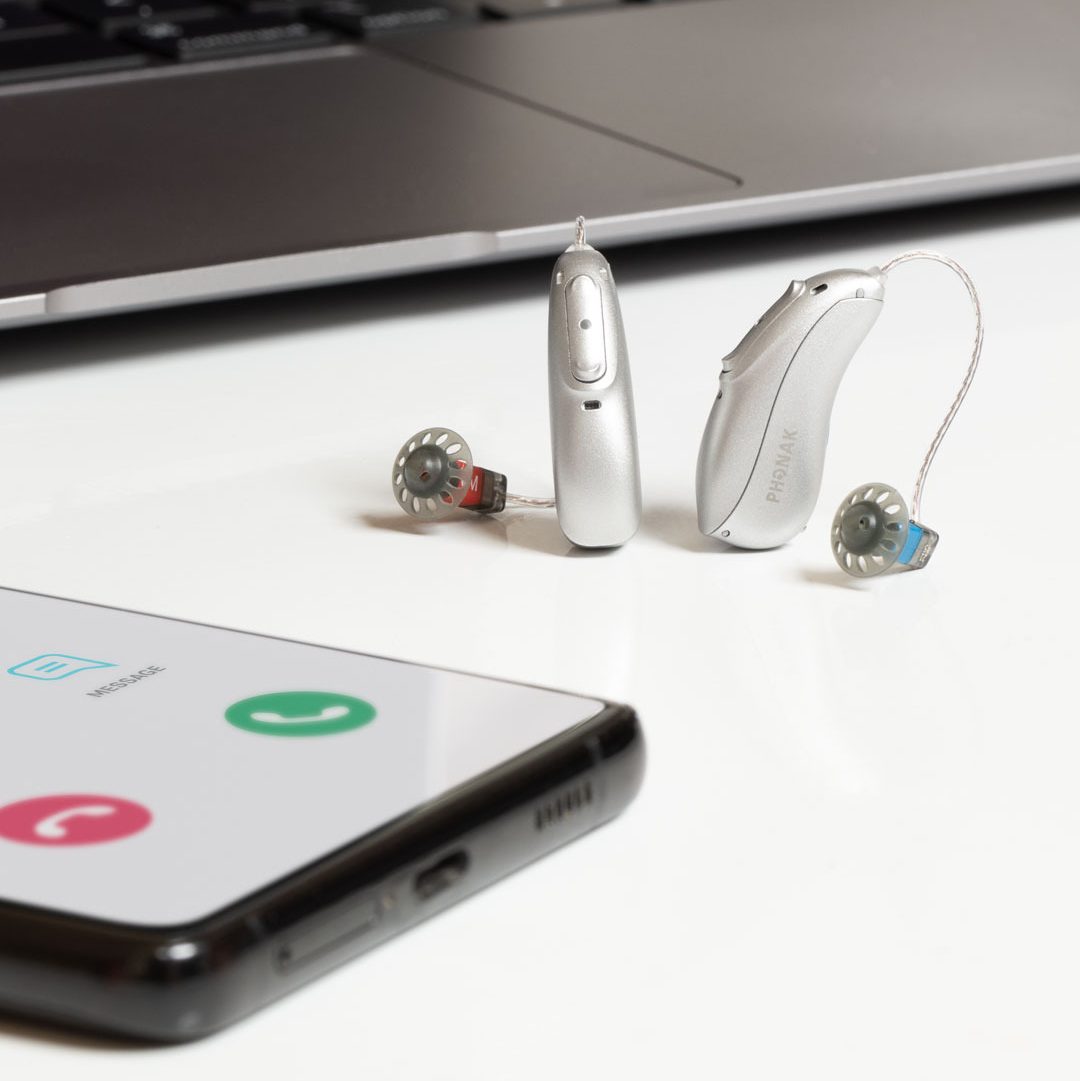
フォナック補聴器を電話やフォナックアプリに接続する際のサポートが必要ですか?ここでは、デバイスを接続し、スムーズに動作させ続けるためのサポート記事、ステップバイステップのガイド、およびBluetoothのトラブルシューティングのヒントを見つけることができます。
よくあるご質問
フォナック補聴器を、お使いの iPhone にペアリングして通話とストリーミングを行う方法
フォナック補聴器を、お使いの Android™ にペアリングして通話とストリーミングを行う方法
フォナック補聴器へのBluetooth®オーディオストリーミングの品質が悪い場合のトラブルシューティング方法
サポート記事
すべてのサポート記事を確認し、トピックで絞り込んで必要な情報を探す
Why can’t I answer calls using the button or double tap on my Phonak hearing aids?
Once the hearing aids are paired with a phone via Bluetooth, the multi-function button on the Phonak hearing aids can be used to accept and reject a phone call. A short push (less than one second) will accept an incoming call and a long push (press and hold more than two seconds) will reject an incoming call.
How to manage Bluetooth® pairing entries on your iPhone® after updating your Infinio hearing aids to Ultra
Bluetooth® Pairing Entries Following the Ultra Update
How to Manage Bluetooth® pairing entries on your Android™ smartphone after updating your Infinio hearing aids to Ultra
Bluetooth® Pairing Entries Following the Ultra Update
How to improve your experience with Bluetooth®
Improve your experience with Bluetooth by configuring settings on your phone.
How many Bluetooth® devices can I pair and connect to my Phonak hearing aids?
Phonak hearing aids can be paired with up to eight Bluetooth® devices.