Phonak Apps
- How-to Guides
- Troubleshooting
- Best Practices
- Helpful Tips
Have questions about Phonak apps? Here you’ll find FAQs, step-by-step guides, and troubleshooting tips for Phonak apps — including the myPhonak app, myPhonak Junior app, and myRogerMic app. Explore our support articles to get the most out of your Phonak experience.
Frequently Asked Questions
How to pair and connect rechargeable hearing aids to the myPhonak app on an iPhone®
How to pair and connect rechargeable hearing aids to the myPhonak app on an Android™ smartphone
Is my phone compatible with the myPhonak app?
Support Articles
Explore all support articles and filter by topics to get the answers you’re looking for.
How to repair connection issues with the myPhonak app on Android™ smartphones
Sometimes a connection to the hearing aids cannot be established after an app update, an OS update of the smartphone, or when the fitting of the hearing aids has changed. In this case, a full reset of the app is recommended which includes the deletion of the Bluetooth® pairings and any Bluetooth settings.
How to manage Bluetooth® pairing entries on your iPhone® after updating your Infinio hearing aids to Ultra
Bluetooth® Pairing Entries Following the Ultra Update
How to handle recurring errors during the firmware update for rechargeable Phonak hearing aids
Troubleshooting recurring errors during firmware updates in the myPhonak app
How to Manage Bluetooth® pairing entries on your Android™ smartphone after updating your Infinio hearing aids to Ultra
Bluetooth® Pairing Entries Following the Ultra Update
How to pair and connect rechargeable hearing aids to the myPhonak app on an Android™ smartphone
Setting up the myPhonak app on Android smartphone
How to pair and connect non-rechargeable hearing aids to the myPhonak app on an Android™ smartphone
Setting up the myPhonak app on Android
Why do my Phonak hearing aids hang up calls, pause streaming, or activate Voice assistant unexpectedly?
These behaviors may be caused by a high sensitivity level of Tap Control. You can adjust the sensitivity level to "Firm" in the myPhonak app settings. Low sensitivity reduces accidental activation of the Tap Control.
Why am I unable to pair both of my hearing aids to the myPhonak app at the same time?
When pairing with myPhonak, I can pair only one hearing aid at a time - either the right or the left - and I can’t pair both simultaneously.
How to pair and connect rechargeable hearing aids to the myPhonak app on an iPhone®
Setting up myPhonak on iPhone®
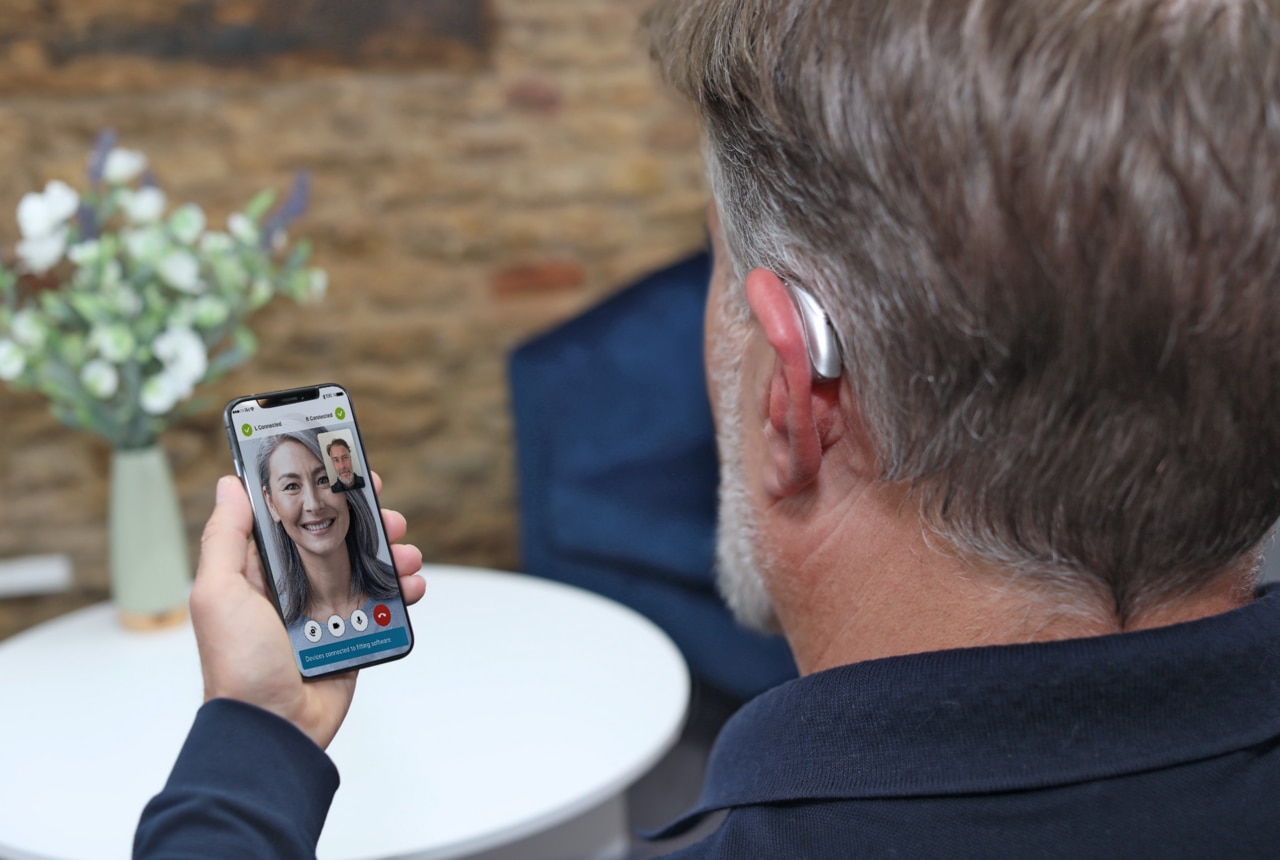
Why can't I connect to Remote Support in the myPhonak app?
The hearing care professional has set up a Remote Support session but the user can not connect.
Other Key Topics
Looking for more? Explore other key topics that might interest you.