Professional Login-Order Online!
Order products online to receive enhanced service and support instantly. Easily share evidence and literature with your
Choose another country or region to see content specific to your location.


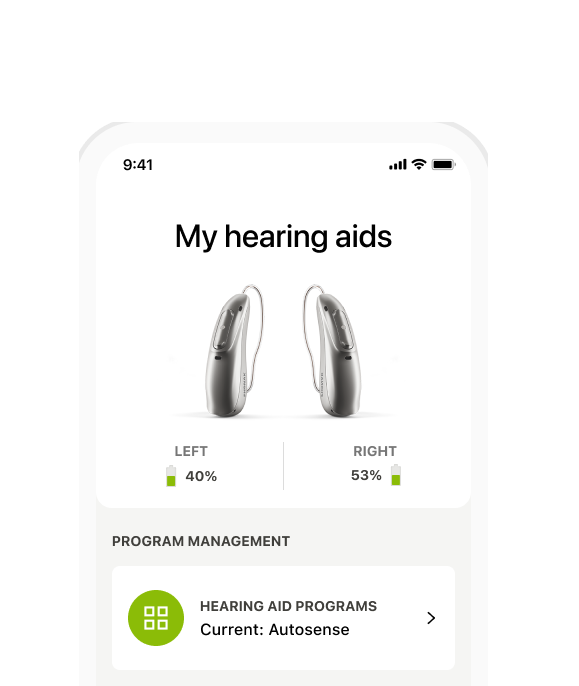
Highly rated by thousands of users! Packed with features and unique personalization options, myPhonak is a free, easy-to-use smartphone app that empowers you to take control of your hearing, promotes well-being, and fits seamlessly into your lifestyle.
of hearing care professionals rate the new 'Find My Hearing Aid' feature in myPhonak ashighly valuable for their patients*
of Phonak Infinio wearers enjoy using the myPhonak app to personalize their listening experience**

Discover the new and improved myPhonak app- redesigned for simplicity and a seamless experience for all users, whether new or experienced.
The myPhonak app is now even easier to use. We've streamlined access to everyday features with clearer labels and helpful guidance. Whether you're making quick changes or fine-tuning your hearing experience, everything is just a tap away including the new program selection option right on the home screen.
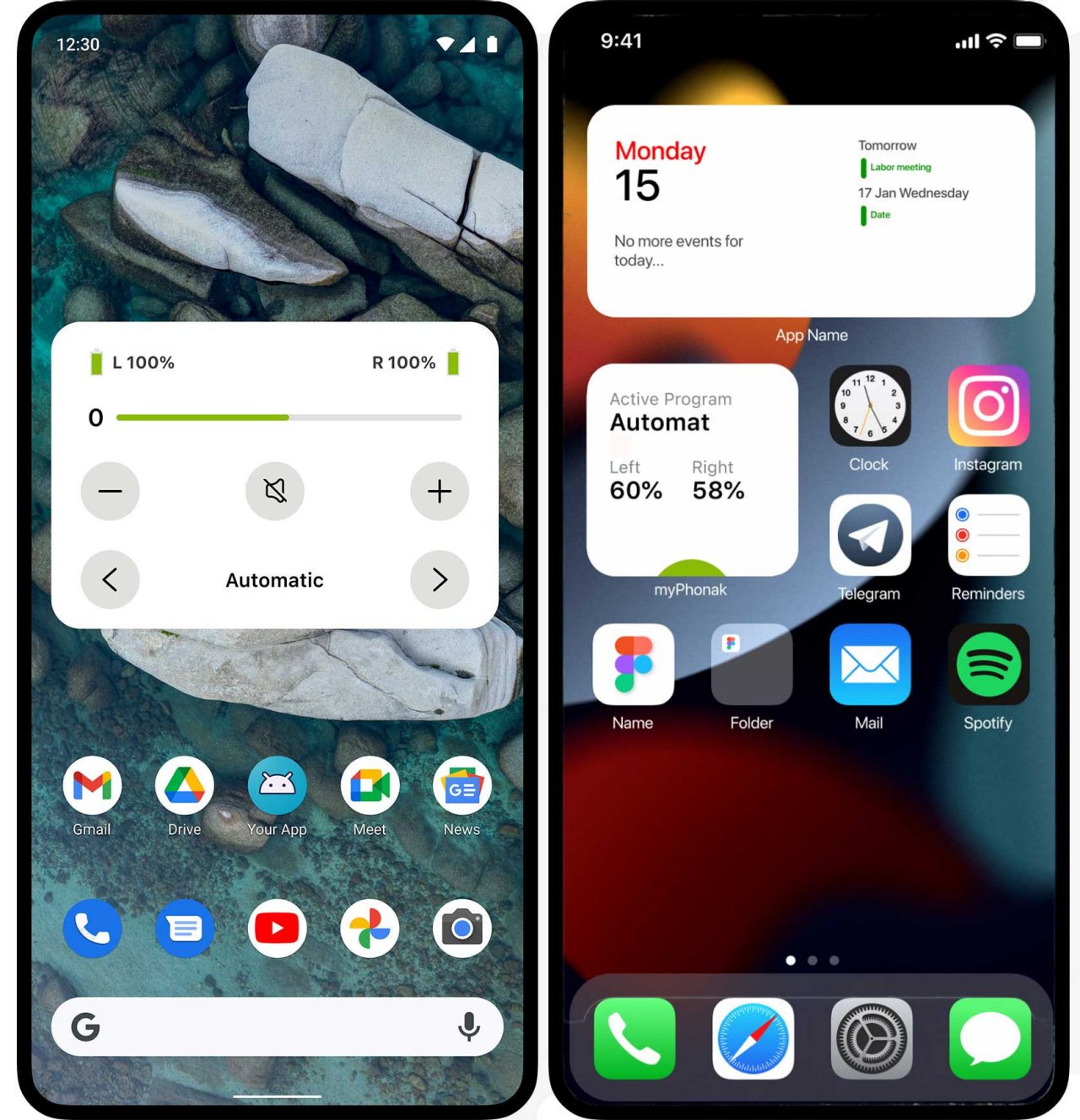
The most popular myPhonak features are now accessible directly from your home screen. With the myPhonak widgets2, you can easily check and make adjustments to:
Download the app to create an account
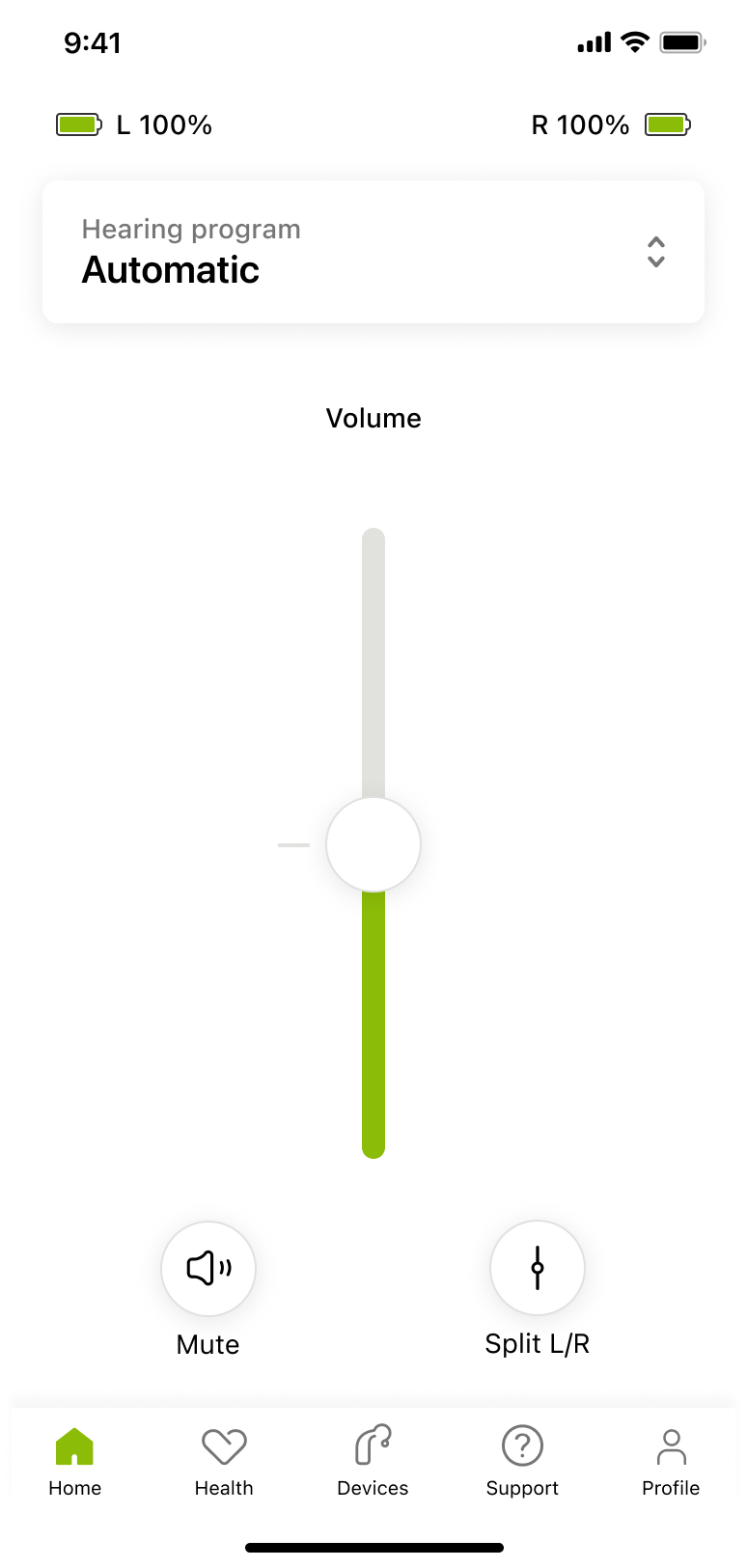
Set your hearing aids to the volume you find most comfortable and adjust your hearing aids to your unique hearing needs. Some adjustable features include:
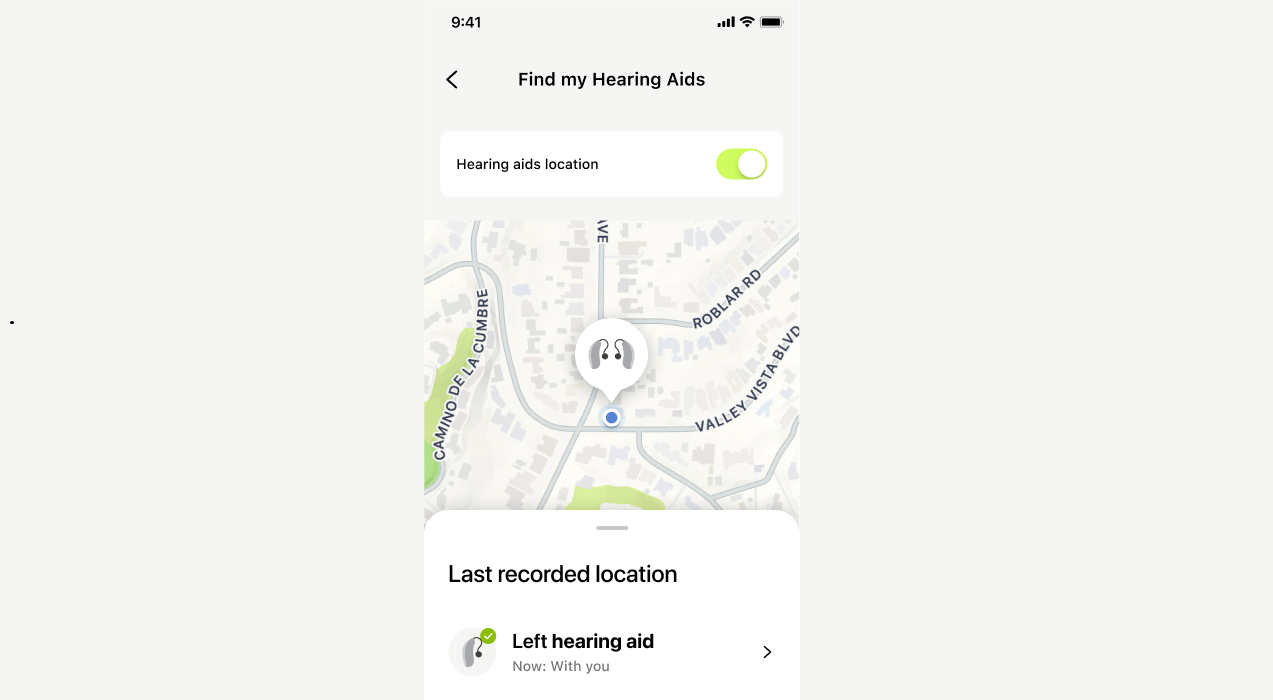
Our smart hearing aids save the last place they were connected, so you know where to start looking. As you move closer, real-time guidance helps you pinpoint their exact location, ensuring quick and easy recovery. Enjoy peace of mind, knowing that you can locate your hearing aids. Compatible with all Phonak hearing aids.
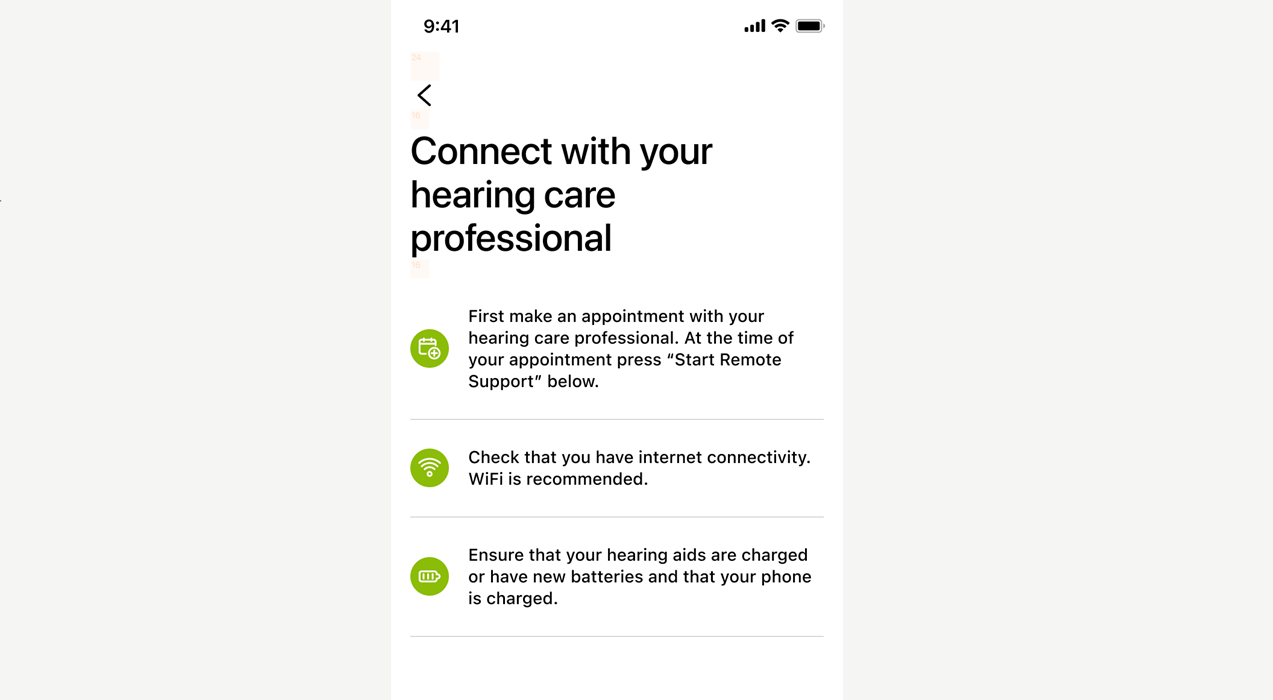
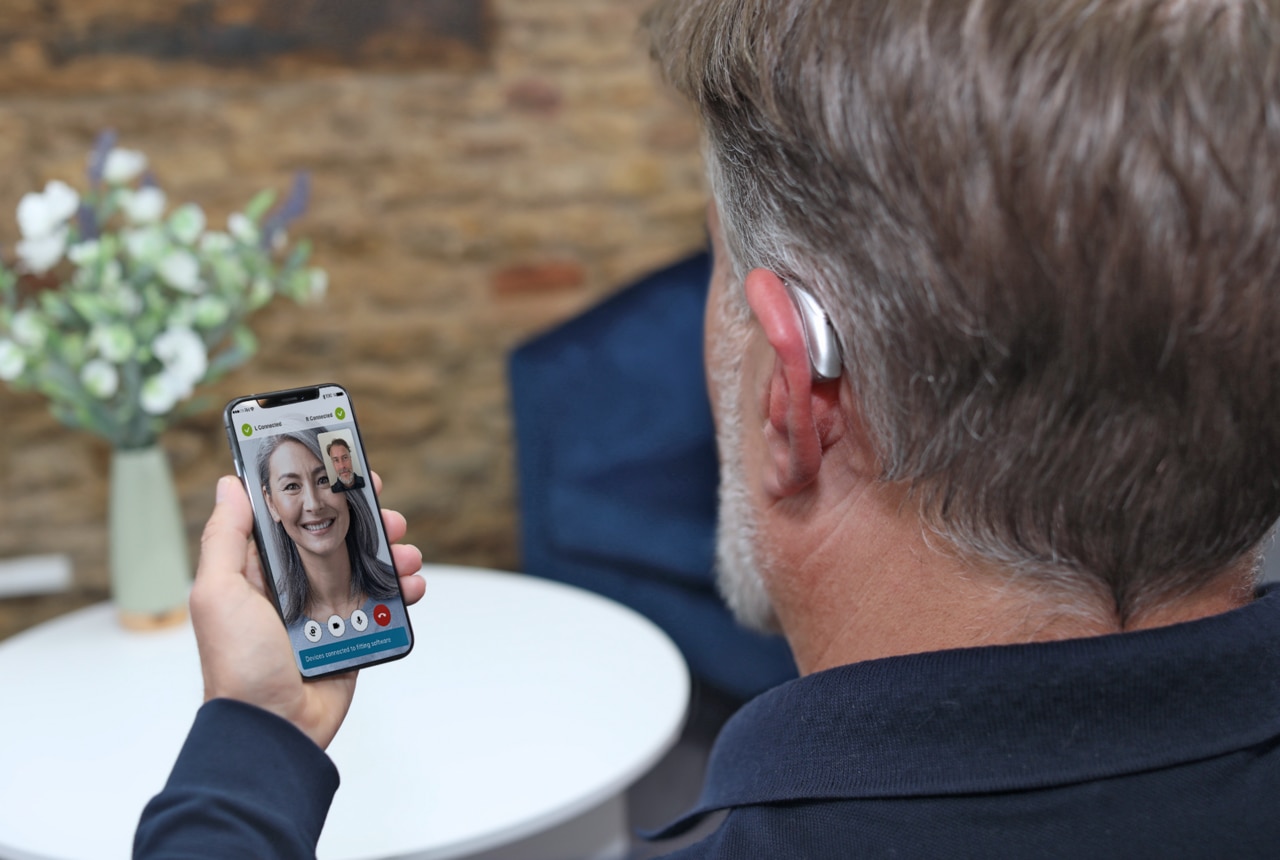
Find comfort in knowing that you can connect with your hearing care professional for additional support-by appointment whenever you need it. Features include:
myPhonak can be used on Bluetooth® enabled smartphones and with compatible hearing aids that have Bluetooth connectivity. Check with your hearing care professional about using the Remote Support feature, which is available in most, but not all, countries.
myPhonak can be used on Apple iPhones with iOS® Version 16 or newer, or Google Mobile Services certified Android™ devices supporting Bluetooth 4.2 and Android OS 10.0 or newer.
The app can be used with the following Phonak hearing aids:
Audeo Life, Virto P-312, Audeo P, Naída P, Virto M-312, Naída M-SP, Audéo M, Audéo B-Direct4

MyPhonak App
The hearing aids are set up and fitted to your unique hearing needs by a hearing care professional. Remote Control in the myPhonak app allows for simple and advanced sound modifications such as volume control, control of special features, and customized programs for unique listening situations, based on the fitting done by your hearing care professional.
Our video for more information on how to use remote control and advanced settings.
With Remote Control you can make simple and advanced sound modifications and update an existing program or save your changes as a new program. Contact your hearing care professional to discuss whether changes you've done can be saved into your automatic programs to minimize additional fine-tuning needs during the day.
You can set (optional) motivational goals with all Lumity and Paradise rechargeable hearing aids. With the latest myPhonak app, you can set goals and view the average wearing time of the hearing aids in different sound environments - Calm situations, Noisy situations, Music and Streaming - which can help them to acclimatize in a variety of different listening situations. Additionally, goals for steps can be set. Setting goals for wearing time and steps could motivate you to increase your hearing aid usage and activity.
*Sonova proprietary research (2025). Project ID #4736, n=85. Please contact marketinsight@phonak.com if you are interested in further information
**Sonova proprietary research (2025). Project ID #4736, n=291. Please contact marketinsight@phonak.com if you are interested in further information
1. Phonak EON and Phonak Infinio Ultra users
2. Widget functions differ on iOS® and Android®
3. Available for myPhonak account holders only
4. Advanced Remote Control and Remote Support not available
The Bluetooth® word mark and logos are registered trademarks owned by Bluetooth SIG, Inc. and any use of such marks by Sonova AG is under license.
App Store badge is a trademark of Apple Inc., registered in the U.S. and other countries.
Android, Google Play and the Google Play logo are trademarks of Google LLC.
IOS is a registered trademark or trademark of Cisco Systems, Inc. and/or its affiliates in the United States and certain other countries.