Professional Login-Order Online!
Order products online to receive enhanced service and support instantly. Easily share evidence and literature with your
Choose another country or region to see content specific to your location.
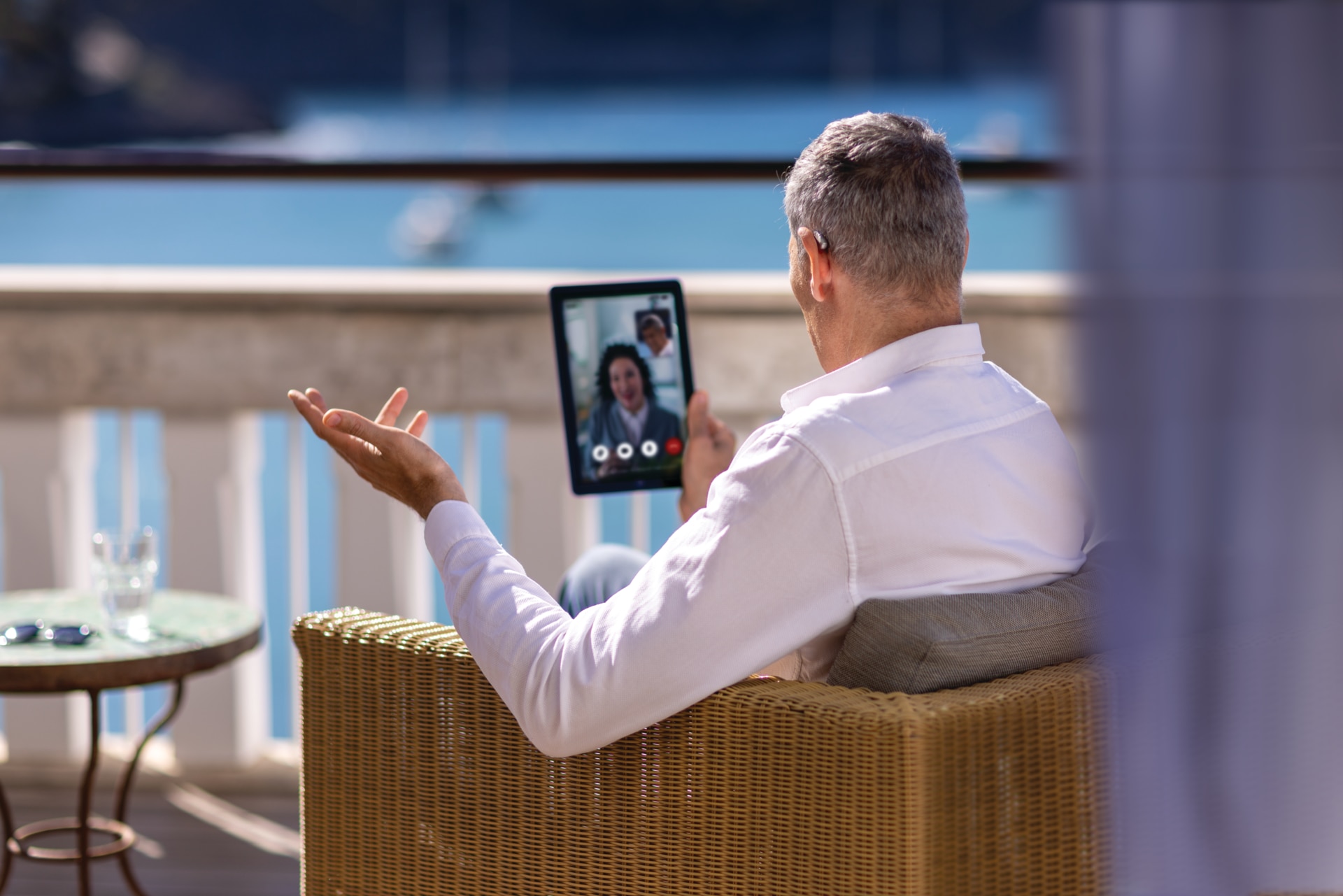
Connect your hearing aids to your phone, TV, laptop, and other Bluetooth devices for clearer calls, streaming, and everyday listening.

Whether you’re taking a phone call, streaming audio, or listening in a busy public space, Phonak hearing aids help you stay connected to the devices, experiences, and people that matter most. You Can:
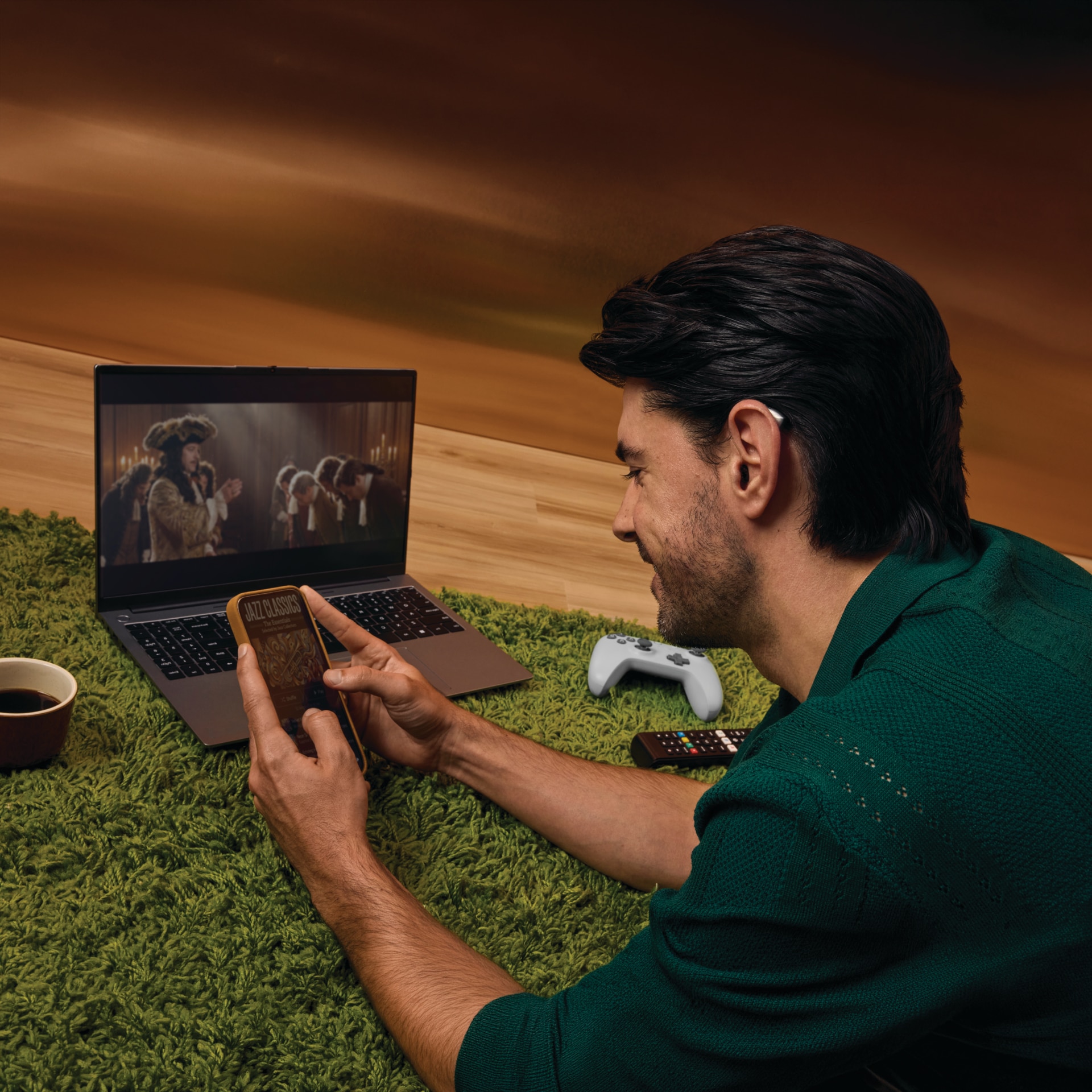
Wireless Calls & Music Streaming
Phonak hearing aids can connect directly to your favorite devices via Bluetooth®, letting you stream phone calls, music, podcasts and more straight to your ears. No extra headphones or accessories needed. Pairing works much like connecting to any Bluetooth® headset: simply enable Bluetooth® on your device, put your hearing aids in pairing mode, and select them from your device's Bluetooth® menu.
Once paired, your hearing aids automatically reconnect whenever both devices are in range.
Phonak hearing aids are compatible with most Bluetooth® devices that support hands-free calling (HFP) and music streaming (A2DP), including:
Devices with Bluetooth® version 2.1 or newer are generally supported. For the best experience, check your specific Phonak hearing aid model's compatibility, as direct streaming capabilities can vary by device and operating system.

Auracast™ broadcast audio is a Bluetooth® LE Audio feature that lets a single transmitter to broadcast sound to multiple nearby receivers – including compatible hearing aids. It is expected to gradually replace induction loop systems, offering clearer, better quality audio in public venues.
Common places to use Auracast™ broadcast audio:
To connect, use the Auracast™ QR code scanner with the myPhonak app, or an OS-integrated Auracast™ Assistant on phones that support it.

How Do Phonak Hearing Aids Connect via Bluetooth®?
The myPhonak app uses Bluetooth® Low Energy (BLE) to create a secure wireless connection between your Phonak hearing aids and your smartphone. To connect, simply download the myPhonak app, enable Bluetooth® on your phone, and follow the in-app pairing instructions. Once paired, your hearing aids stay linked to the app for remote control, personalized settings and real-time adjustments.
To use the myPhonak app, your device must meet the following specifications:
How to pair Audéo Infinio to myPhonak app on iPhone
How to pair Audéo Infinio to iPhone for Bluetooth Streaming
How to troubleshoot Bluetooth on iPhone with Audéo Infinio
Pair Phonak hearing aids to your iPhone for phone calls and media streaming
Pair Phonak hearing aids to Android for phone calls and media streaming
Connect your Phonak hearing aids to the myPhonak app on iPhone
Footnotes
The Bluetooth® word mark and logos are registered trademarks owned by Bluetooth SIG, Inc. and any use of such marks by Sonova AG is under license.
The Auracast™ word mark and logos are trademarks owned by Bluetooth SIG, Inc., and any use of such marks by Sonova AG is under license.
IOS is a trademark of Cisco Technology, Inc.
Android is a trademark of Google LLC.