
Professional Login
Order products online to receive enhanced service and support instantly.
Choose another country or region to see content specific to your location.

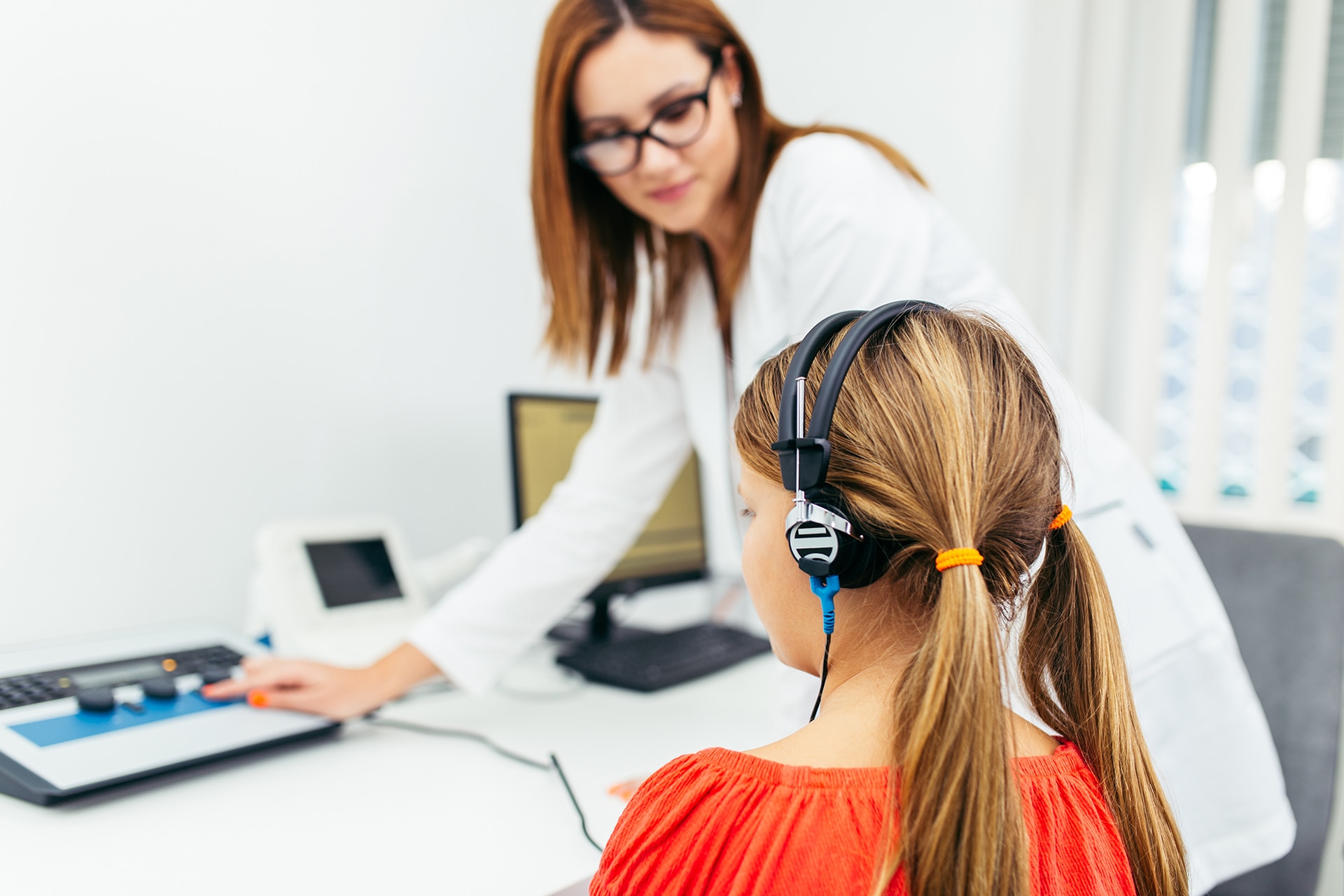

Phonak Target is an innovative software designed to create a seamless fitting experience and supports you in optimising your clients’ hearing aid settings, so they can get the most out of our advanced technology and enjoy better hearing and overall well-being.
Our latest software improvements in Target 12.0 include:
Note: Target 12.0 requires a minimum Noah version 4.8 or higher, however the latest version is recommended
Phonak Target features were created to meet audiologists' needs by providing tools and unique functions that simplify the fitting process.
A faster “Feedback & real ear test” can be performed for Audéo EON and Audéo Infinio. This feedback test can also be performed during Remote Support.
For Audéo E, up to 6dB additional headroom is automatically provided when the target gains exceed the estimated or measured feedback thresholds.
An additional security layer has been introduced with EON hearing aids. Fitting Authorization can be performed automatically, or manually. If manual authorization is needed, Target will guide you through the process.
AutoSense is our state of the art AI-classifier, that seamlessly steers features and functions in real time- depending on the listening environment.
Delivers an evidence-based initial fitting that balances audibility, loudness comfort, and sound quality across input levels. Building on APD 3.0, APD 4.0 is designed for reduced fine tuning and faster client acceptance.
Save time by running 2 firmware updates, factory resets or trial hearing aid performance level changes simultaneously.
A new version of Remote Support enables you to adjust your clients’ hearing aids in Target while simultaneously using your preferred video conferencing platform such as Zoom, Skype, Google Meet etc., to communicate. While using these platforms, you and your client can make use of features such as live captioning and blurred background.
It is also still possible to perform a Remote Support session with the integrated audio and video system provided within Target.
Tap control enables patients to pause or resume streaming, accept, or end a phone call, and activate a voice assistant with a simple double-tap.
The Phonak Naída™ Link and Phonak Sky™ Link can be fit in a bimodal configuration with an Advanced Bionics cochlear implant sound processor. The Link allows the patient to have binaural functions with the cochlear implant, including volume control, program structure, and streaming.
You can now get recommendations for optimal choice of vent, dome and receiver after entering audiogram into Target, delivering you more accurate fittings.
Offers the ability to change the performance levels for Phonak hearing aids, which can help address client needs from the very first visit or during repairs.

TargetMatch is an all-in-one real ear measurement system and verification solution from Phonak, designed to maximise the potential benefit of hearing aids for your client.
In order to install and run Phonak Target 12.0, you'll need to make sure you have at least:
Operating system
Windows 11, Home / Pro / Enterprise / Education
Windows 10, Home / Pro / Enterprise / Education
Processor
Intel Core or higher performance
RAM
4 GB or more
Hard disk space
3 GB or more
Screen resolution
1280 x 1024 pixels or more
Graphic card
16 Million (24bit) screen colors or more
Drive
DVD / USB
Serial COM port
Only if RS-232 HI-PRO is used
USB ports
One for each purpose
Bluetooth adaptor
Accessory programming
HI-PRO if used via USB port
Noahlink Wireless (NLW/NLW2)
Programming interfaces
Noahlink Wireless (NLW/NLW2) / iCube II / NOAHlink / RS-232 HI-PRO / HI-PRO USB / HI-PRO 2
NOAHlink driver
Latest version available
Noahlink Wireless driver
Latest version available
Internet connection
Recommended
Sound card
Stereo or surround 5.1
Playback system
20 Hz – 14 kHz (+/- 5 dB), 90 dB
NOAH version
Latest version (Minimum version 4.8)
Please check the NOAH limitations for Windows 64 bit operating systems on http://www.himsa.com
TargetMatch Target 12
*Version 2.20 not supported
TargetMatch Target 11.0, 11.1, 11.2
*Version 2.20 not supported
TargetMatch Target 10.1.2
*Version 4.82 to 4.88 not supported with Target 10.1.1
**Version 2.20 not supported
Phonak Target
Whether you are fitting a child with their first pair of hearing aids or providing technology to an experienced user, it’s crucial that these devices are configured to suit the child’s age, hearing loss, and communication needs. This is why Phonak pioneered a dedicated pediatric fitting mode in our fitting software. This continually updated, evidence-based resource streamlines the process of configuring a child’s hearing aids, helping you to fit and verify your Phonak pediatric fitting using the very latest industry guidelines and research findings.
Yes, the defaults can be customized by the HCP if needed. You can find the option in Target under setup - Junior mode.
1. Valente, M., Abrams, H., Benson, D., Chisolm, T., Hampton, D., Loavenbruck, A., Ricketts, T., Solodar, H., & Sweetow, R. (2006). Guidelines for the Audiological Management of Adult Hearing Impairment. Audiology Today. Retrieved from http://audiology-web.s3.amazonaws.com/migrated /haguidelines.pdf_53994876e92e42. 70908344.pdf.
2. Kochkin, S. (2011). MarkeTrak VIII: Reducing patient visits through verification and validation. Hearing Review, 18(6), 10-12.
3.Amlani, A. M. (2016). Impact of Probe-Microphone Measurements and NOAH Quick-Fit on Patient Satisfaction and Loyalty. Hearing Health & Technology Matters. Retrieved from http://hearinghealthmatters.org/hearingeconomics/2016/amyn-post-consumer-psychology-of-real-ear-services/.