

知識庫
藍牙
- 操作指南
- 疑難排解
- 最佳實踐
- 實用提示
需要幫助將您的Phonak助聽器連接到您的手機或Phonak應用程式嗎?在這裡,您會找到支援文章,提供逐步指南和藍牙故障排除技巧,幫助您連接設備並保持其順利運作。
常見問題
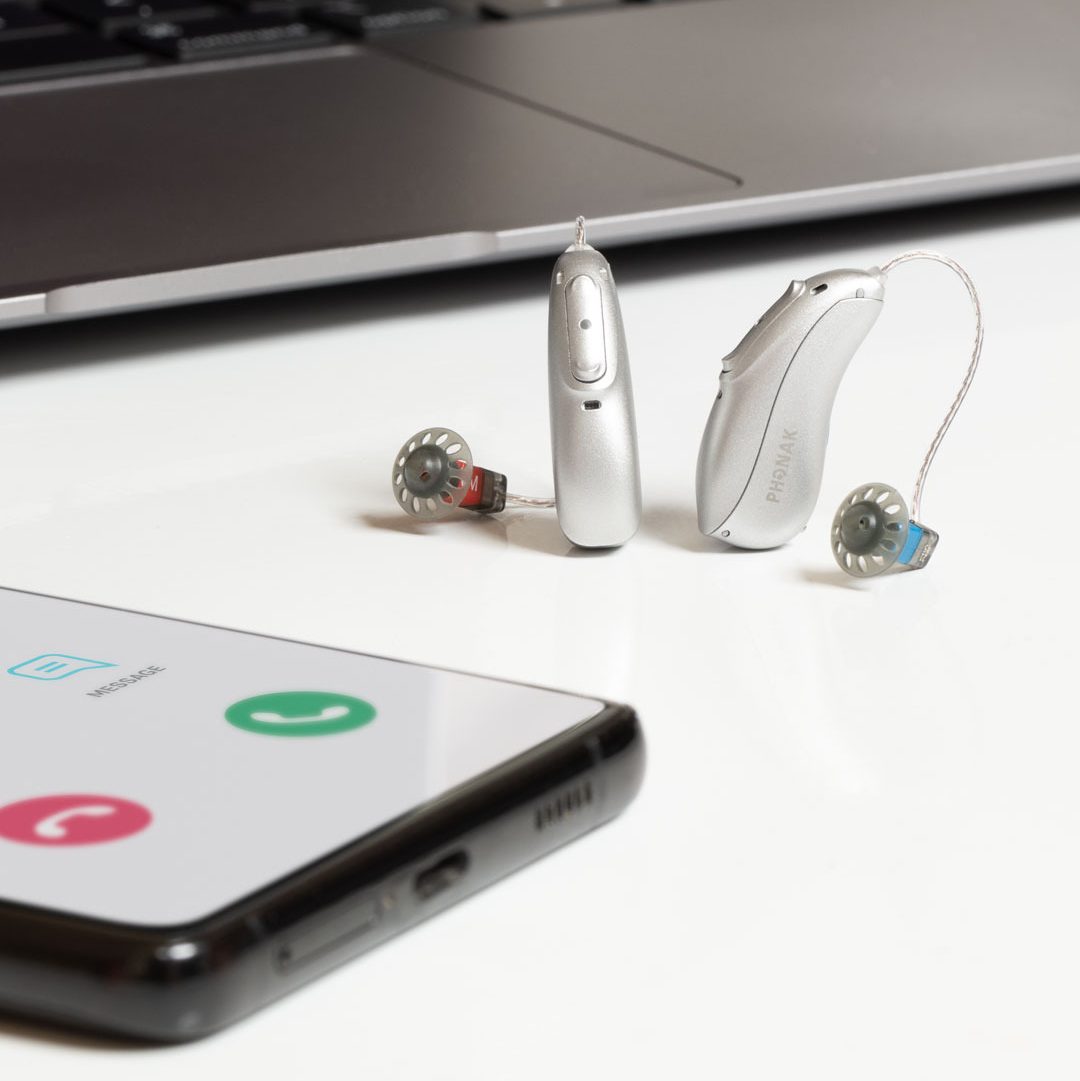
如何將峰力助聽器配對至您的 iPhone®,以進行通話和媒體串流

如何將Phonak助聽器與Android配對以進行電話通話和媒體串流
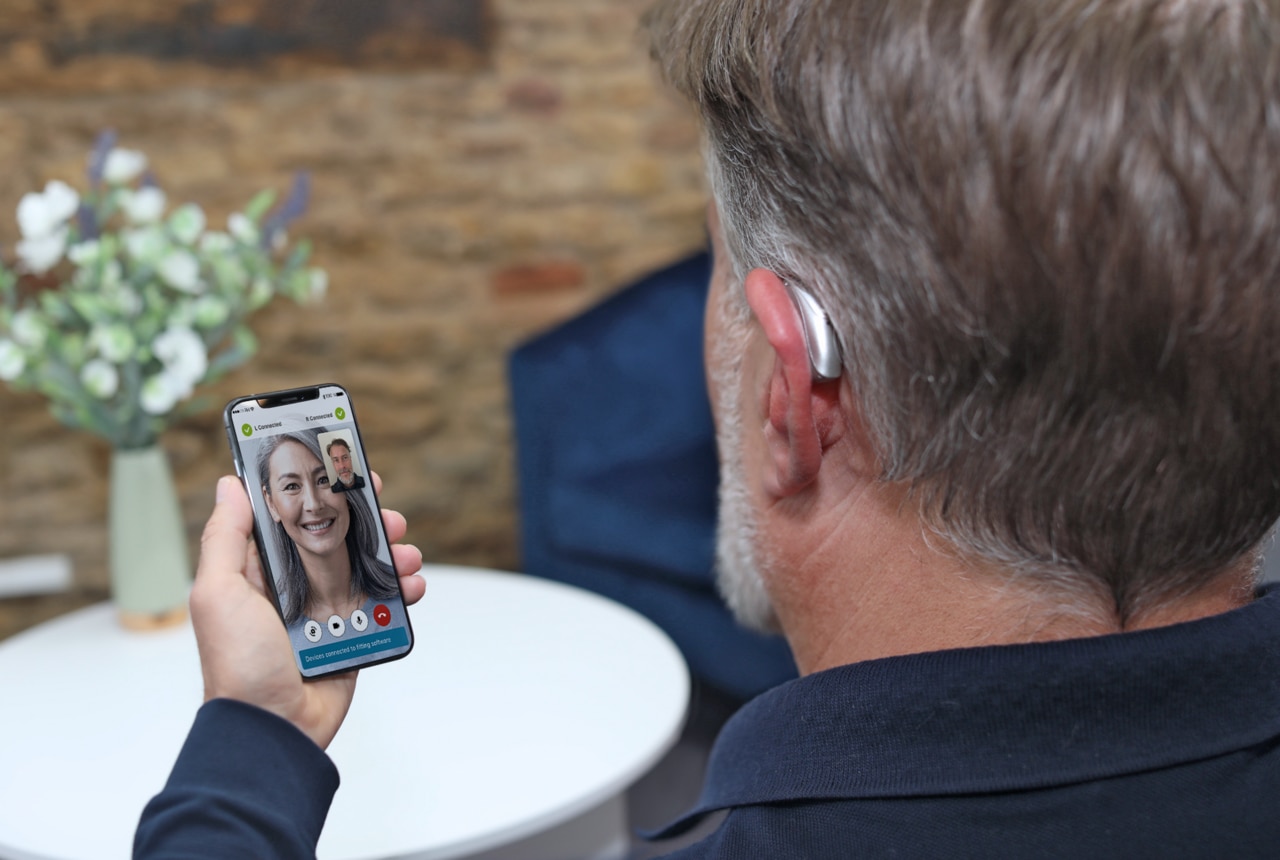
如何排除藍牙®音訊串流到我的Phonak助聽器的品質問題
支援文章
探索所有支援文章並按主題篩選以獲得您尋找的答案。
Why can’t I answer calls using the button or double tap on my Phonak hearing aids?
Once the hearing aids are paired with a phone via Bluetooth, the multi-function button on the Phonak hearing aids can be used to accept and reject a phone call. A short push (less than one second) will accept an incoming call and a long push (press and hold more than two seconds) will reject an incoming call.
How to manage Bluetooth® pairing entries on your iPhone® after updating your Infinio hearing aids to Ultra
Bluetooth® Pairing Entries Following the Ultra Update
How to Manage Bluetooth® pairing entries on your Android™ smartphone after updating your Infinio hearing aids to Ultra
Bluetooth® Pairing Entries Following the Ultra Update
How to improve your experience with Bluetooth®
Improve your experience with Bluetooth by configuring settings on your phone.
How many Bluetooth® devices can I pair and connect to my Phonak hearing aids?
Phonak hearing aids can be paired with up to eight Bluetooth® devices.